Bleeding Llama (CVE-2026-7482): The Ollama Vulnerability Explained
A critical Ollama bug (CVE-2026-7482) leaks system prompts, API keys, and user data from 300,000 exposed AI servers
By Abhay Mittal
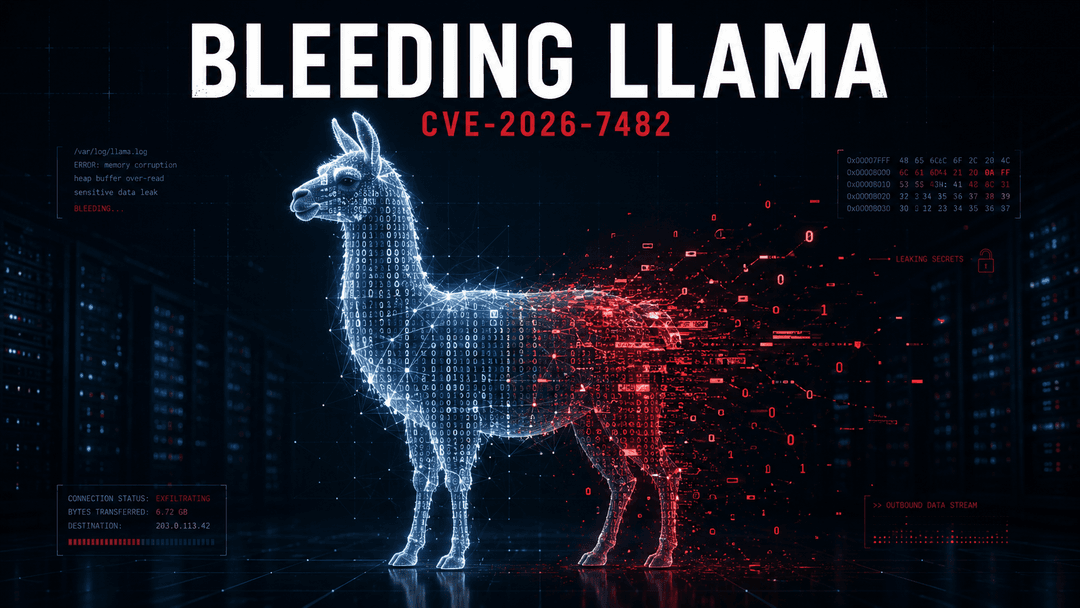
A new vulnerability called Bleeding Llama (CVE-2026-7482) affects Ollama, the most popular tool for running AI models on your own machine. Roughly 300,000 of those servers are sitting on the public internet right now. Most of them with no password. Most of them leaking.
What actually happened
Ollama loads AI models from a file format called GGUF. The code that reads those files has a bug. Send it a specially crafted file, and the server hands back chunks of its own memory.
Not a crash. Not a denial of service. The server quietly returns its private memory to whoever asked.
That memory holds whatever the server was thinking about a moment ago. User chats. System prompts. API keys. Environment variables. Secrets. All readable. No login required.
Why this hits harder than a normal bug
Most software bugs need an attacker to find you first. This one is the opposite. The attacker scans the internet for the Ollama port, finds your instance, sends a few API calls, and walks away with your data. Total time: under a minute.
Ollama defaults to listening on every network interface on the machine. No authentication out of the box. Plenty of teams turn this on for a quick demo, ship it to a cloud VM, and forget about it.
That setup is exactly what got 300,000 servers exposed.
What can leak
Anything sitting in the Ollama process memory at the moment of attack. In practice that means:
- Customer prompts and conversations
- The system prompt that defines how your AI behaves (often the actual product)
- API keys for OpenAI, Anthropic, Stripe, or whatever else the server talks to
- Database credentials pulled from environment variables
- Internal tokens used to call your own services
For a small AI startup, that is basically the entire trust boundary.
What to do this week
Update Ollama to 0.17.1 or newer. Do this first.
Bind it to localhost only. Set OLLAMA_HOST=127.0.0.1 so the server stops accepting connections from the outside world.
If you actually need network access, put a reverse proxy in front with proper authentication. Not a "we'll add auth later" promise. Real auth.
Rotate any keys or tokens that were sitting on that machine. Assume they leaked, because you cannot prove they didn't.
On Windows there are also unpatched issues in Ollama's auto-update mechanism. Review what is allowed to run with elevated privileges until those are fixed.
The bigger pattern
This is not really a story about Ollama. It is a story about how fast AI tooling gets deployed and how rarely it gets audited.
Local AI feels safe because it runs on your machine. But "your machine" often becomes "your cloud VM" which becomes "your public IP" without anyone making a real security decision along the way. The defaults matter. The exposure matters.
A server that holds your customer data, your prompts, and your API keys deserves the same scrutiny as any other production system. It rarely gets it.
If you are running AI tools in production and nobody has actually looked at the deployment, now is the moment.