Stripe Webhook Signature Bypass: The Payment Vulnerability Hiding in Most Vibe-Coded Apps
Most AI-generated Stripe webhook handlers skip signature verification, meaning anyone can fake a payment event and get free access. Here is what to check and how to fix it.
By Abhay Mittal
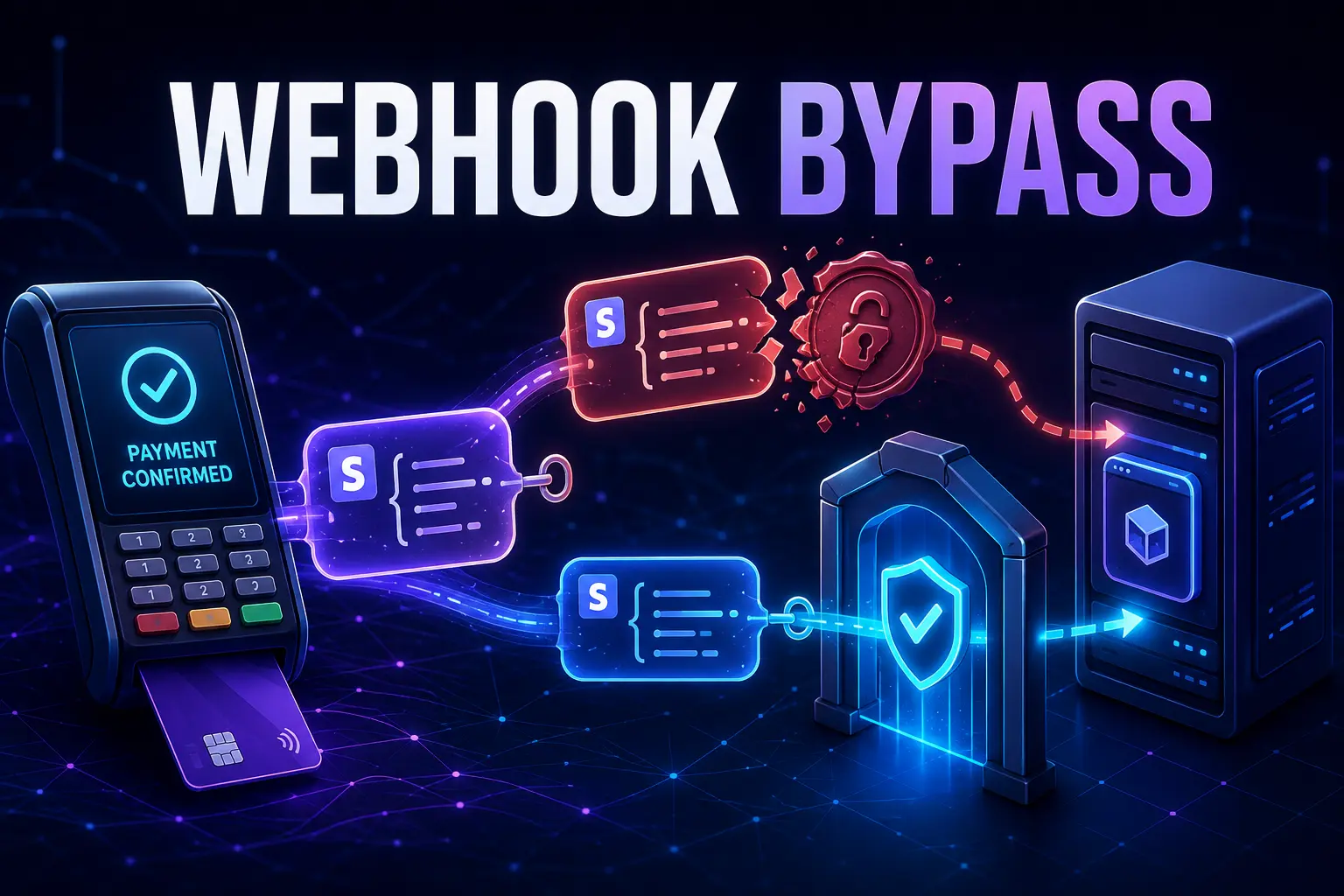
Most vibe-coded apps that take payments have a broken webhook handler. Not broken in a way you would notice. It processes real payments fine. But it will also process fake ones.
Here is the problem.
What the vulnerable code looks like
When Cursor or Lovable generates a Stripe webhook handler, it usually looks something like this:
export async function POST(req: NextRequest) {
  const body = await req.json();
  const event = body as Stripe.Event;

  if (event.type === "checkout.session.completed") {
    await db.user.update({
      where: { email: event.data.object.customer_email },
      data: { plan: "pro" },
    });
  }

  return NextResponse.json({ received: true });
}
This works. But it trusts whatever lands in the request body. Anyone who knows your webhook URL can POST a fake checkout.session.completed event, set customer_email to their own account, and get upgraded to pro. No payment needed.
Why AI tools generate this
The AI builds the handler to pass the demo. In testing, events come from Stripe and everything works. Signature verification is a production concern, not a demo concern, so the AI skips it.
The fix
Stripe signs every webhook request. You verify the signature using the raw request body and your webhook secret:
export async function POST(req: NextRequest) {
  const rawBody = await req.text();
  const sig = req.headers.get("stripe-signature");

  if (!sig) {
    return NextResponse.json({ error: "Missing signature" }, { status: 400 });
  }

  let event: Stripe.Event;

  try {
    event = stripe.webhooks.constructEvent(
      rawBody,
      sig,
      process.env.STRIPE_WEBHOOK_SECRET!
    );
  } catch {
    return NextResponse.json({ error: "Invalid signature" }, { status: 400 });
  }

  if (event.type === "checkout.session.completed") {
    await db.user.update({
      where: { email: event.data.object.customer_email },
      data: { plan: "pro" },
    });
  }

  return NextResponse.json({ received: true });
}
Two things changed. First, req.text() instead of req.json(). The signature is computed against the raw bytes. If you parse to JSON first, the bytes change and verification breaks even for real Stripe events. Second, stripe.webhooks.constructEvent() checks the signature and throws if it does not match.
One more thing: STRIPE_WEBHOOK_SECRET is not the same as STRIPE_SECRET_KEY. The webhook secret starts with whsec_ and lives in your Stripe dashboard under Developers, then Webhooks, then your endpoint.
Check your own app
Search for req.json() in any file that has "stripe" or "webhook" in the name. If you find it, and there is no call to constructEvent nearby, your handler is probably unprotected.
You can also test it yourself. POST a fake event payload to your webhook URL without a stripe-signature header. If your app processes it as a real event, you have the problem.
If you want us to check your payment flow and the rest of your app, book an audit call to scope the review and get a fixed-price quote.
VibeAudits audits apps built with Cursor, Lovable, Bolt, Claude Code, Replit, and other AI tools.
Keep reviewing your app
Practical checks for the parts of an AI-built app that handle real users and money.
Vibe-coded app security checklist
Work through 25 checks before accepting real users, payments, and private data.
How to review vibe-coded apps
Plan a review, test the risky flows, and decide when you need a professional audit.
Free vibe code security check
Answer 15 questions to score your app's launch risk and see what to fix first.
Need a second pair of eyes? Explore our code audit services, scope and pricing, and client case studies.