Supabase Row-Level Security: The Most Dangerous Gap in Vibe-Coded Apps
Supabase tables without Row-Level Security let any authenticated user read any other user's data. Here's how to find the problem, understand it, and fix it before you launch.
By Abhay Mittal
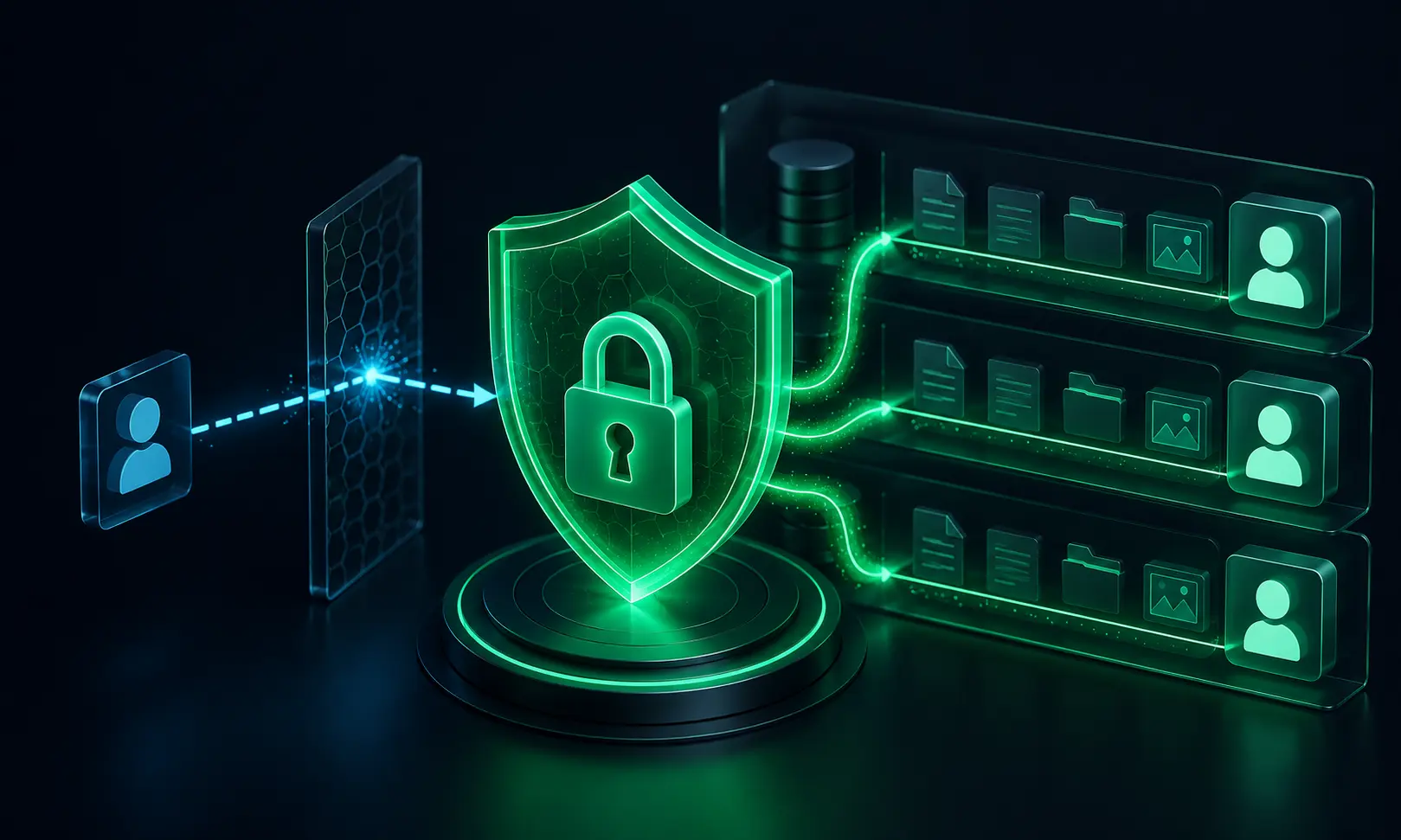
If you built your app with Lovable, Bolt, Cursor, or another AI tool and it uses Supabase, there's a specific security issue worth checking immediately: Row-Level Security (RLS).
It's the most consistently dangerous gap we find in vibe-coded apps that use Supabase, and it's completely invisible in a working demo. The app works perfectly. Logins work. Data saves and loads. Everything looks right.
Until a user changes an ID in the URL or the request and gets back someone else's data.
Here's what it is, why AI tools miss it, and how to fix it.
What is Row-Level Security?
Supabase is built on PostgreSQL, and PostgreSQL has a feature called Row-Level Security (RLS). When RLS is enabled on a table, every query against that table is filtered by a policy you define — typically something like "only return rows where user_id matches the authenticated user."
When RLS is disabled (which is the default for new tables), every authenticated user can read and write every row in the table.
That's the default. Every new table you create in Supabase starts with RLS off.
Why AI Tools Miss This
AI coding tools generate code that works in demos. The demo always uses one user at a time, with handcrafted test data. The AI fetches the data for that user, it comes back correctly, and everything looks fine.
What the AI doesn't simulate: what happens when user A, who is authenticated, tries to fetch user B's data.
Lovable and Bolt in particular often generate apps that use the Supabase client SDK with an anon key for all database queries. That means: if RLS is off, any authenticated user can run any query against your database.
A query like supabase.from('invoices').select('*').eq('id', 123) — where 123 is user B's invoice ID — will return user B's invoice if RLS is off. The app's code filters by user ID; the database doesn't. If someone bypasses the app's frontend (which takes about 30 seconds with browser dev tools), the filter is irrelevant.
How to Check If You're Affected
Step 1: Open your Supabase dashboard
Go to your project → Table Editor (or the SQL editor).
Step 2: Check RLS status for every table
In the Table Editor, you'll see a padlock icon next to each table name. Open means RLS is disabled. Closed means it's enabled.
Alternatively, run this SQL in the SQL editor:
SELECT
  tablename,
  rowsecurity
FROM pg_tables
WHERE schemaname = 'public'
ORDER BY tablename;
Any row where rowsecurity is false has RLS disabled. Every table in your app that stores user data should have RLS enabled.
Step 3: Check your existing policies
For tables where RLS is enabled, verify the policies are actually correct:
SELECT
  tablename,
  policyname,
  permissive,
  roles,
  cmd,
  qual
FROM pg_policies
WHERE schemaname = 'public'
ORDER BY tablename, policyname;
Look at the qual column — that's the WHERE clause applied to every query. It should reference auth.uid() and match it against your user_id column (or equivalent).
How to Fix It
Enable RLS on a table
ALTER TABLE public.your_table ENABLE ROW LEVEL SECURITY;
This alone locks the table completely — no queries will return results until you add at least one policy.
Add policies for each operation
Read (SELECT):
CREATE POLICY "Users can read their own rows"
ON public.your_table
FOR SELECT
USING (user_id = auth.uid());
Create (INSERT):
CREATE POLICY "Users can insert their own rows"
ON public.your_table
FOR INSERT
WITH CHECK (user_id = auth.uid());
Update:
CREATE POLICY "Users can update their own rows"
ON public.your_table
FOR UPDATE
USING (user_id = auth.uid())
WITH CHECK (user_id = auth.uid());
Delete:
CREATE POLICY "Users can delete their own rows"
ON public.your_table
FOR DELETE
USING (user_id = auth.uid());
The service role key bypasses RLS
If your server-side code uses the Supabase service role key (the one that starts with eyJ... and is much longer than the anon key), it bypasses RLS by design. That's intentional for admin operations. Make sure:
- The service role key is only used server-side, never in client code
- Any server-side code using the service role key manually applies its own user-ID filter
- The anon key is what you're using in client-side queries, with RLS enforced
Multi-Tenant Apps
If your app has organisations or teams (not just users), the RLS policy needs to check organisation membership, not just user ID.
A common pattern:
-- Users can access rows belonging to their organisation
CREATE POLICY "Org members can read org data"
ON public.projects
FOR SELECT
USING (
  organisation_id IN (
    SELECT organisation_id
    FROM public.organisation_members
    WHERE user_id = auth.uid()
  )
);
Without this, a user from organisation A who knows any project ID from organisation B can read that project — even if the app's frontend would never show it to them.
Testing Your Policies
After adding RLS, verify it works:
- Log in as user A and note the IDs of their records
- Log in as user B (use incognito or a different browser)
- Open the browser's dev tools → Network tab
- As user B, try to directly fetch user A's record by ID (use the Supabase JS SDK in the console or make the API request directly)
- You should get back an empty result or a 403 — not user A's data
If you get user A's data back as user B, RLS is either disabled or the policy is wrong.
When to Use the Service Role Key
A few legitimate cases where you'd bypass RLS with the service role key:
- Admin dashboard queries (running in a secure server environment)
- Background jobs that process data across all users
- Migrations and data management scripts
In all these cases, the key must be server-side only, and you must apply your own filters carefully. A service role query with no WHERE clause against a table with thousands of users' data is a risk even if the key is properly secured.
The Bigger Picture
RLS is the most common data exposure issue in vibe-coded Supabase apps, but it's not the only one. Other things worth checking:
- Realtime subscriptions — if you use Supabase Realtime, check that RLS applies to subscriptions too (it does when set up correctly, but needs explicit testing)
- Storage bucket permissions — Supabase Storage has its own access control separate from RLS. Make sure private buckets aren't set to public
- Edge functions — server-side logic in Supabase Edge Functions using the admin client bypasses RLS; apply your own authorization checks there
Need a Full Review?
If your app uses Supabase and you want a comprehensive review of your database configuration, RLS policies, authentication setup, and API security, we cover all of this in our standard code audit.
Book an audit call → — tell us about your app and get a fixed-price quote for the right review.
This post is part of VibeAudits' ongoing series on security patterns in AI-generated code. We audit apps built with Cursor, Lovable, Bolt, Claude Code, Replit, and other vibe coding tools.
Keep reviewing your app
Practical checks for the parts of an AI-built app that handle real users and money.
Vibe-coded app security checklist
Work through 25 checks before accepting real users, payments, and private data.
How to review vibe-coded apps
Plan a review, test the risky flows, and decide when you need a professional audit.
Free vibe code security check
Answer 15 questions to score your app's launch risk and see what to fix first.
Need a second pair of eyes? Explore our code audit services, scope and pricing, and client case studies.